

The Vault is LightDrive’s signed-in workspace. Open vault.lightdrive.one, then select Files from the app menu.
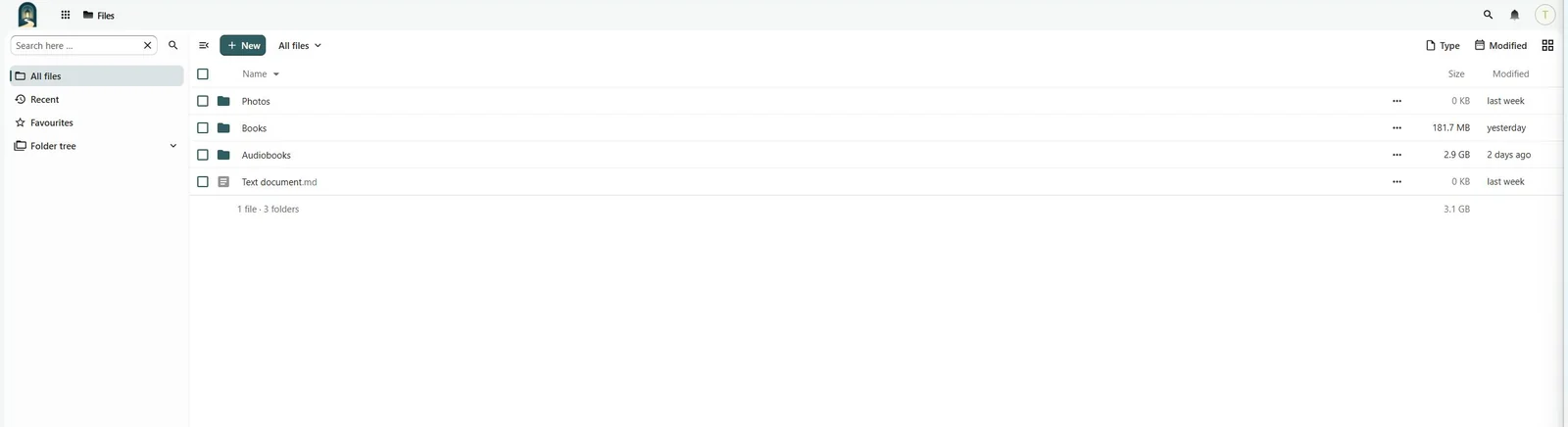
All files shows your complete file tree. Select a folder to open it, a file name to open a supported viewer, or the three-dot action menu for operations such as download, rename, move, share, and delete. Use search in the Files header to find an item by name or indexed content.
The navigation sidebar also provides Recent, Favourites, Shares, and Deleted files. On a narrow screen, open the sidebar with the menu button and close it with the same button or the supported swipe gesture.
Your Files area is private by default. A file becomes available to someone else only after you create a user share or public link.