

EPUB is the primary reflowable ebook format in Books. Upload an EPUB under Add → Ebooks, or search Project Gutenberg by title, author, language, or subject and download a public-domain edition directly to your shelf.
Reader controls
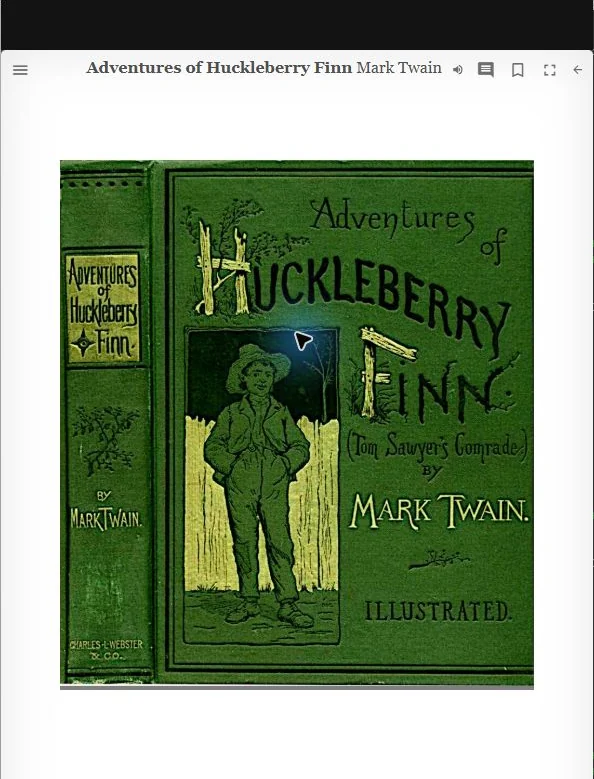
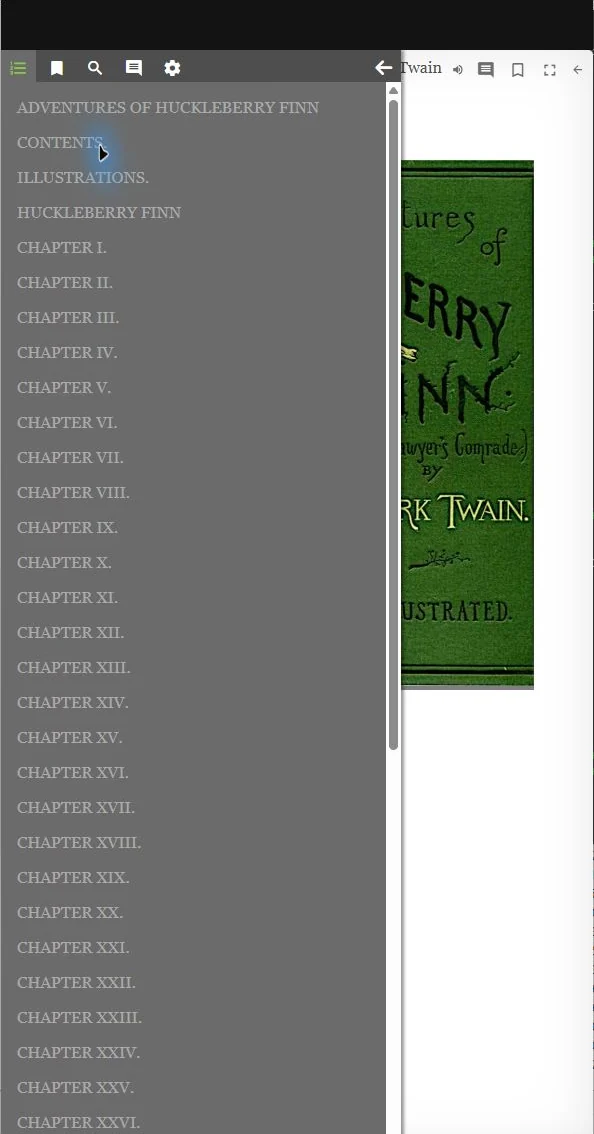
Select the cover to open the EPUB reader. Its toolbar provides contents, bookmarks, search, notes, reader settings, read aloud, and close. The reader remembers the book’s reading position.
Read aloud uses voices installed in the browser or device. Choose a voice, rate, and sleep option; start from the current place or selected sentence. LightDrive saves the read-aloud place separately so you can continue later.
Notes and saved places
Create bookmarks, highlights, and notes in the reader. They appear under Notebook in Books and can reopen the book at the saved location. Exporting notes creates a Markdown file beside the EPUB in the Books folder.