

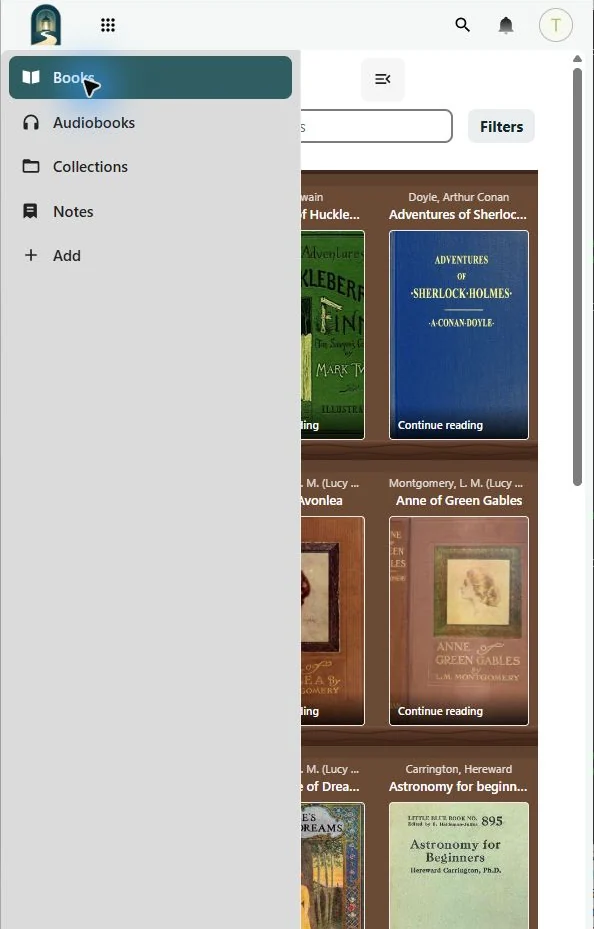
Books keeps ebooks and audiobooks on separate shelves and in separate configured folders.
Metadata and covers
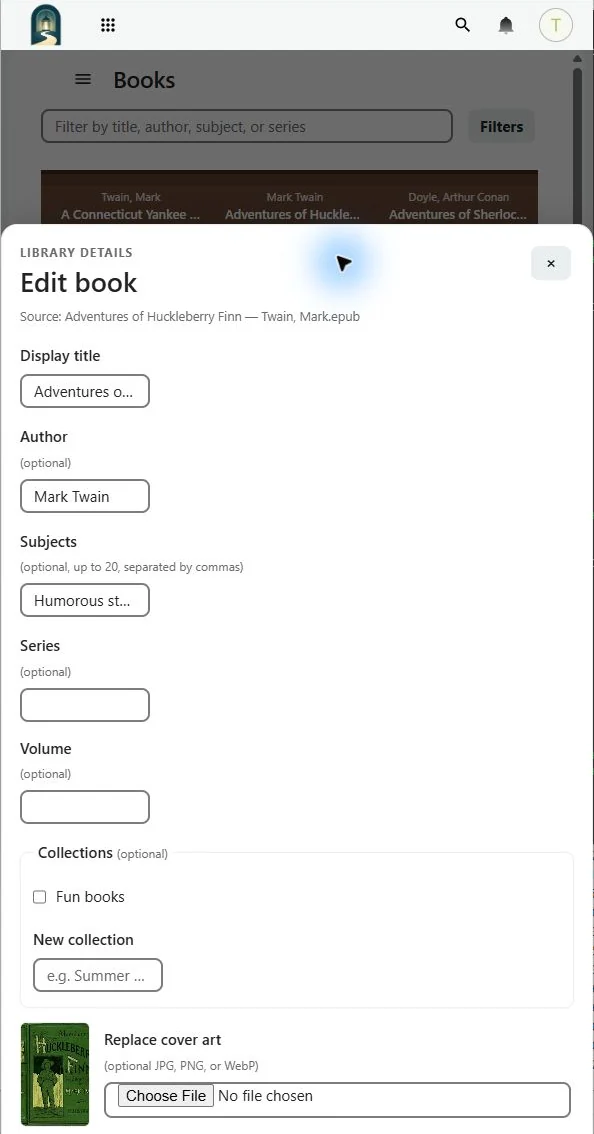
Use Edit on a shelf item to change its display title, author, subjects, series, volume, collection membership, and cover art. Books reads available EPUB or catalog metadata first and preserves your custom values.
Find and group books
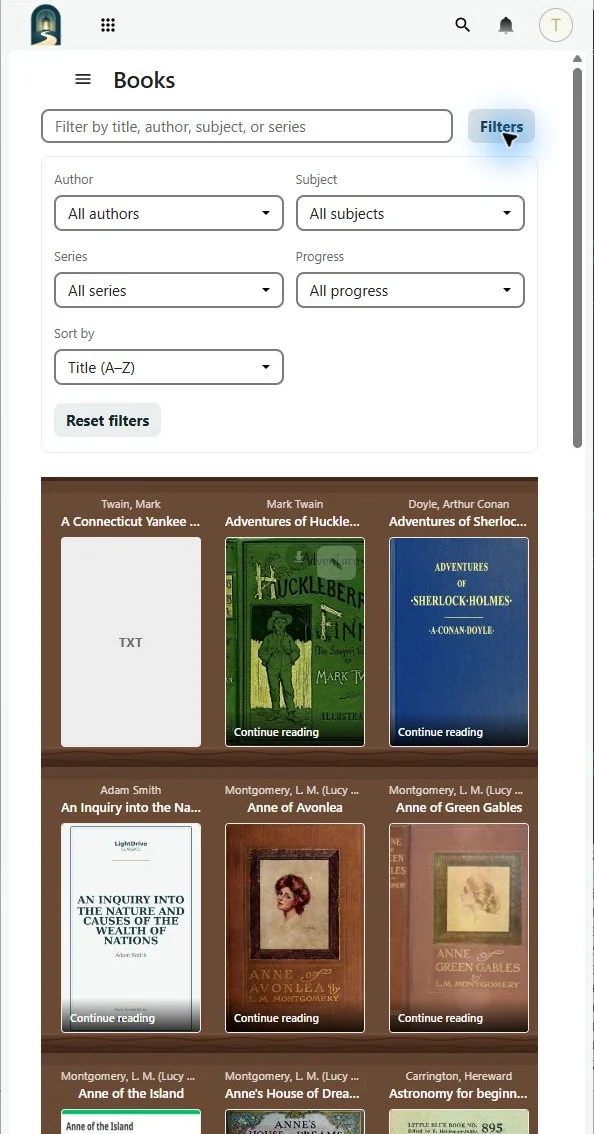
For libraries over 12 items, shelf controls can filter by text, author, subject, series, and progress, and sort by title or date added. Collections creates virtual groups without moving or duplicating the underlying files. A book can belong to more than one collection.
Audiobooks and Notebook
The audiobook player remembers chapter, position, and playback rate and offers skip controls, speeds from 0.75× to 2×, a chapter list, and sleep timers. Notebook collects EPUB notes, bookmarks, and highlights.
Other readers
Books can publish the ebook shelf through an authenticated OPDS catalog. Create a separate reader access key in Books settings; audiobooks and LightDrive reading progress are not included in OPDS synchronization.