

Books and the EPUB reader provide separate shelf and page preferences.
Shelf settings
Open Settings in Books to choose the ebook and audiobook folders, shelf appearance, whether titles and authors appear above covers, whether PDFs use the ebook reader, and OPDS reader access.
EPUB settings
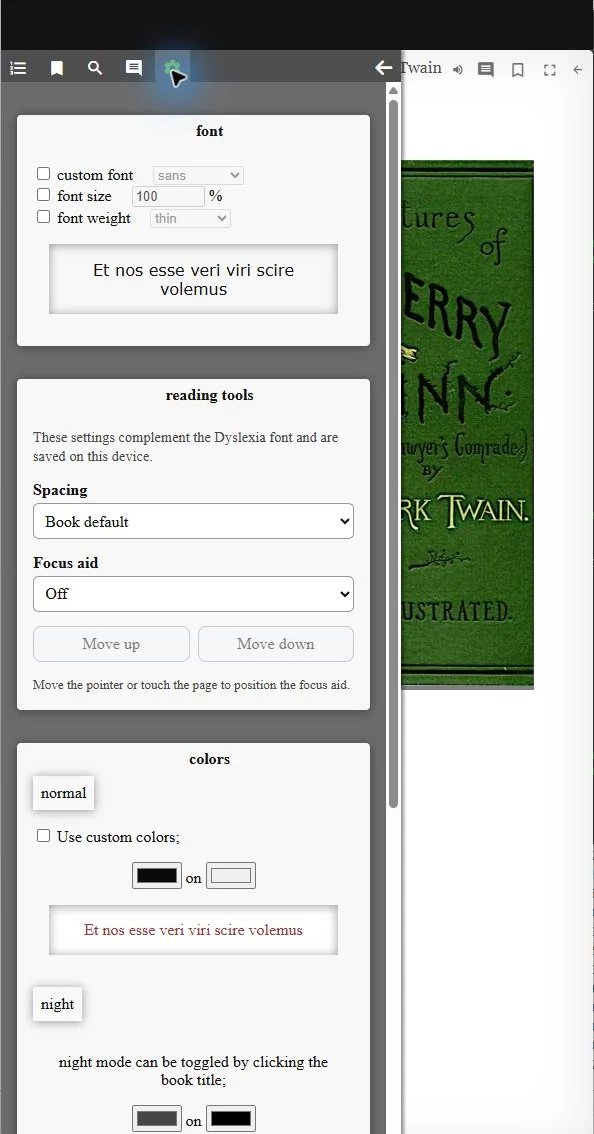
Open the gear in the EPUB reader to set its font, font size, font weight, colors, night mode, page width, reflow behavior, and page-turn areas. LightDrive adds text-spacing presets and focus aids to the same settings area. The focus aid can use a reading ruler or a three-line focus window.
Accessibility
The Vault-wide Dyslexia font setting is under Appearance & Accessibility. It also applies to plain-text book content. EPUB settings and LightDrive’s spacing and focus choices persist when the reader closes.