

Review both the main Security page and the service-specific Contacts connections.
Settings → Security
- Confirm that the main password is unique and current.
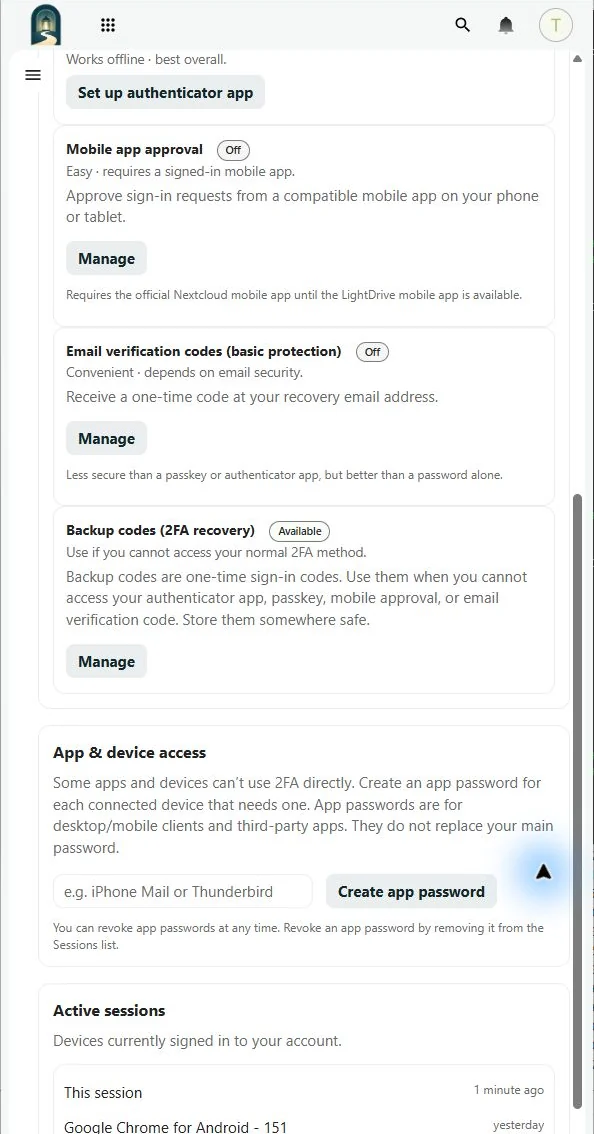
- Review passkeys and remove credentials for devices you no longer control.
- Confirm that at least one strong two-factor method works.
- Generate current backup codes and store them outside LightDrive.
- Review active sessions and end any session you do not recognize.
- Remove old Vault app passwords from the Sessions list and revoke unused Email client passwords.
Contacts → Mobile & app connections
Review Contacts-only client passwords separately inside the Contacts app. Revoke credentials for devices or contacts clients you no longer use or recognize.
Also review the recovery email under Settings → Account and file shares in Files. Contact Support immediately if you see access you cannot explain.