

Two-factor authentication requires a second confirmation after the password.
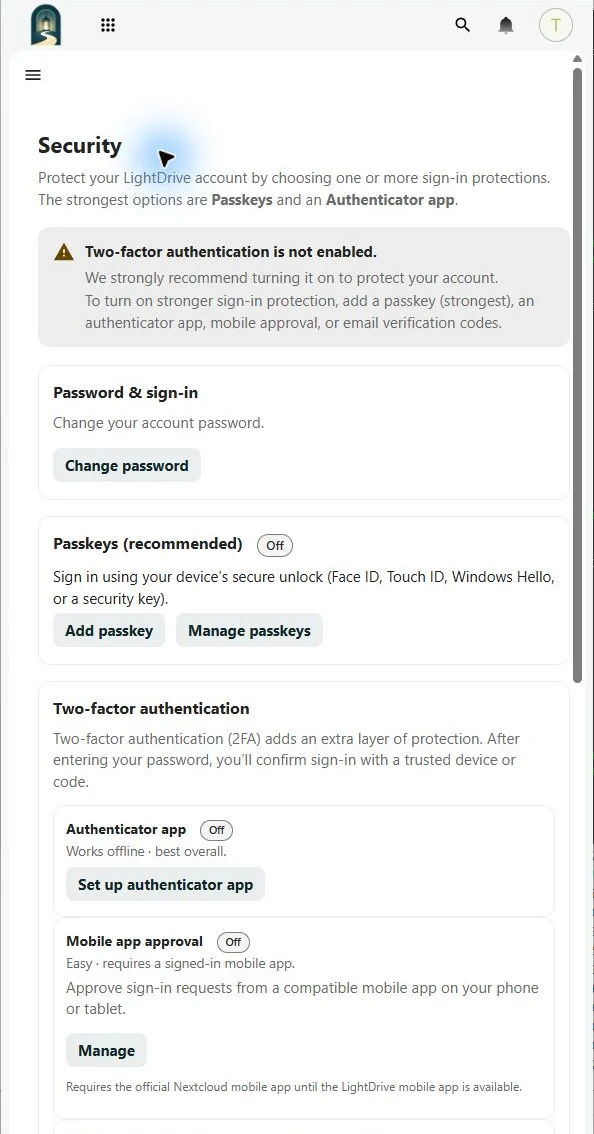
Open Settings → Security. LightDrive offers:
- Authenticator app — time-based codes that work offline and provide the best general-purpose 2FA option.
- Mobile app approval — approve requests in the official Nextcloud mobile app.
- Email verification codes — receive a one-time code at the verified recovery address.
Add at least one method, test it in a separate private browser window, and generate backup codes. Do not remove the last working method until its replacement has been tested.